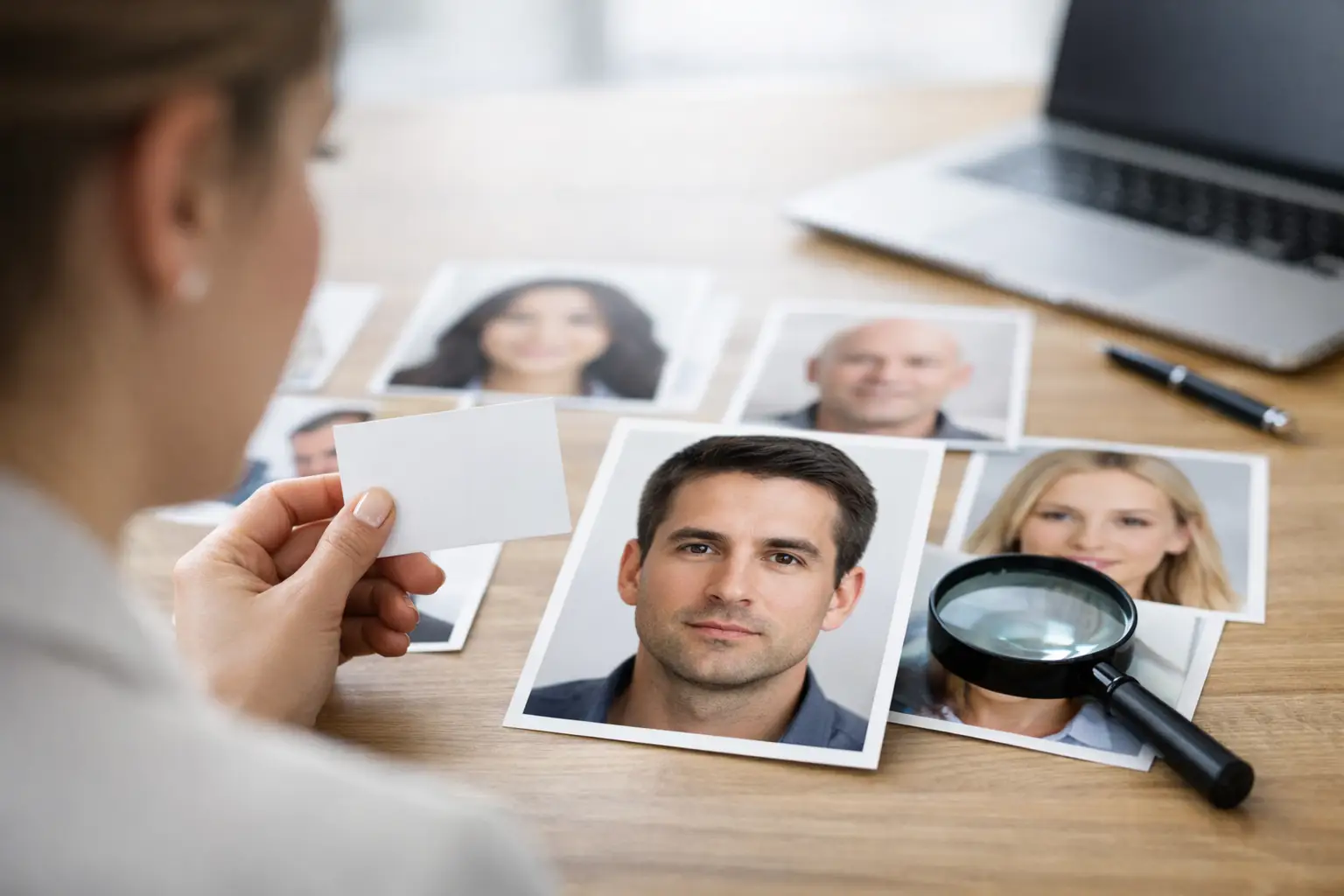
You upload a face, and the first thing the system asks for is a name. That moment raises an obvious question: why do face reports ask for names if the face is already doing the heavy lifting? The short answer is that a face report is not just analyzing pixels. It is building an identity-centered profile, organizing inputs around one person, and preparing a report that needs to feel coherent, readable, and usable from the first screen to the final PDF.
For most users, the name field looks simple. Behind the scenes, it serves several practical jobs at once. It anchors the scan to a specific individual, reduces confusion when multiple reports are created, improves the guided workflow, and helps the final output read like a professional assessment instead of a generic block of observations. If you are using face analysis for self-discovery, hiring conversations, team fit, or compatibility checks, that distinction matters.
Why do face reports ask for names in the first place?
A strong face report has to do more than detect features. It has to connect findings to a person in a way that feels structured and credible. Names are the first layer of that structure.
When a platform asks for a name, it is usually creating an identity anchor. That anchor helps the system keep the subject consistent across discovery, image selection, analysis, and report generation. Without it, the workflow becomes vague fast. If a user scans multiple people, compares profiles, or revisits old reports, a name is the cleanest way to keep each analysis tied to the right person.
There is also a presentation reason. A report that says "Subject A" feels mechanical. A report built around a real name feels like it was generated for someone specific. That matters when the product is meant to deliver personality insights, emotional patterns, and compatibility signals in a format people actually want to save, share, or discuss.
In other words, the name is not replacing the facial scan. It is framing it.
The real job of a name in a face analysis workflow
In high-conversion consumer products, every step needs a purpose. The name field earns its place because it improves both system organization and user experience.
First, it creates clarity. Many users do not run just one report. They scan themselves, a partner, a coworker, a candidate, or a friend. Once you have more than one result, labels matter. A name keeps reports searchable, distinguishable, and easier to reference later.
Second, it supports guided analysis. Platforms built around structured stages such as Discovery, Neural Scan, and Report need a clean handoff from one phase to the next. A name acts like a record key for the user-facing side of the process. Even if the facial engine is doing the interpretive work, the surrounding product still needs a stable way to package the result.
Third, it improves the final report experience. Personality analysis lands differently when the output is personalized. Seeing your own name, or the name of the person being analyzed, makes the report feel less like a demo and more like a finished document. For a platform that positions itself as professional-grade, that polish is not optional.
Identity anchor, not a magic input
This is where people sometimes overread the role of the name. The system is not necessarily claiming that your name alone reveals your entire character. In most modern face report workflows, the name functions as an identifier first.
That said, some systems may use the name as part of the broader context layer. For example, if a platform includes profile discovery, subject matching, or report personalization, the name can help the system connect the right data to the right person. It depends on the product design. Some tools use the name purely for organization. Others use it to guide image discovery and report assembly. The key point is that the request is usually operational, not random.
Why names improve accuracy, even when the face is primary
Accuracy in a face report is not only about reading facial structure correctly. It is also about making sure the report is attached to the right subject, the right images, and the right output.
That is why the question "why do face reports ask for names" has a more technical answer than most people expect. If the system includes image discovery or profile matching, a name can reduce ambiguity. Think about common situations: two people with similar faces in a gallery, multiple uploads in one session, or a user running analyses for several team members back-to-back. A name gives the workflow a control point.
It also reduces downstream mistakes. A sharp analysis attached to the wrong person is still a bad report. In practical terms, names help prevent mix-ups before they happen.
For professional users, this matters even more. Managers, recruiters, coaches, and consultants are often less interested in facial novelty than in usable output. They want a clean report they can revisit later without guessing who "scan_03_final" was supposed to be. A name transforms a loose file into a decision-support asset.
Why the report feels more credible with a name attached
Credibility is part analysis, part delivery. Users judge the report not only by what it says, but by how clearly it is packaged.
A named report feels deliberate. It suggests that the system has tracked the subject throughout the workflow and generated an output specifically for that person. That does not automatically make the insight more valid, but it does make the experience more coherent and easier to trust.
This is especially true in products that use proprietary method language such as pattern mapping, structural analysis, or personality architecture. Those systems are selling a process as much as a result. The name is one of the first signals that the process is individualized rather than generic.
If you are using a platform like SomaScan.ai, that individualized framing is part of the value. The product is designed to move from identity input to scan to polished report with very little friction. Asking for a name is one reason that flow feels controlled instead of chaotic.
Are face reports using your name to judge your personality?
Sometimes yes, sometimes no, and that distinction matters.
Some face reading tools ask for a name only to label the report and organize the session. In that case, the name is administrative. Other tools may treat the name as part of a broader identity package, especially if they support profile discovery, compatibility matching, or expanded narrative generation. In those cases, the name may influence how the report is assembled, even if the facial scan remains the core analytical input.
What users should understand is simple: asking for a name does not automatically mean the system is deriving personality from the name itself. More often, it means the platform is trying to identify the subject cleanly, produce a polished deliverable, and maintain continuity across steps.
That is a practical design choice, not a red flag by default.
FAQ: Why do face reports ask for names?
Do I have to use my full real name?
Usually, no. Many platforms only need a stable identifier so the report can be labeled correctly. If the system supports profile discovery or matching, a more precise name may improve the workflow.
Does the name make the face report more accurate?
It can improve operational accuracy by helping the system keep the right images, subject, and report connected. That is different from saying the name alone improves facial interpretation.
Why not just use a photo with no name?
Because unnamed scans get messy fast, especially when users run multiple reports. A name makes the output easier to organize, compare, revisit, and share.
Is asking for a name just marketing?
Partly, it improves presentation. But it also serves real workflow functions, especially in systems built around guided analysis and PDF-ready reporting.
The smartest way to think about it is this: a face report is never just a scan. It is a full product experience built around one person, one record, and one final narrative. The name is what locks that narrative to a clear identity so the result feels usable the moment it appears on screen.